Coding & agents𝕏
Visual Studio Code
@code🔎 Explore everything that’s new in the full release notes: https://t.co/15Hrd1YVqk Happy coding! 💙 https://t.co/YJQXbZY7EU
Improve how you give agents context, break down tasks, test changes, and ship software.
Topic editions via RSS ↗Visual Studio Code
@code🔎 Explore everything that’s new in the full release notes: https://t.co/15Hrd1YVqk Happy coding! 💙 https://t.co/YJQXbZY7EU
Visual Studio Code
@code🚀 The latest @code release makes large agent session lists faster and easier to manage and lets you run agent sessions in Dev Containers, both locally and on remote hosts. 🧵 Here’s what’s new: https://t.co/YJQXbZY7EU
Cognition
@cognitionAnd Devin now works natively with Microsoft 365: grant access to Outlook, Calendar, OneDrive, SharePoint, and Directory, to give Devin all the context it needs to keep working. Permissions are scoped per user and per app, giving your team precise control and flexibility.
Cognition
@cognitionRead more: https://t.co/sxYQwfxr0e
Cognition
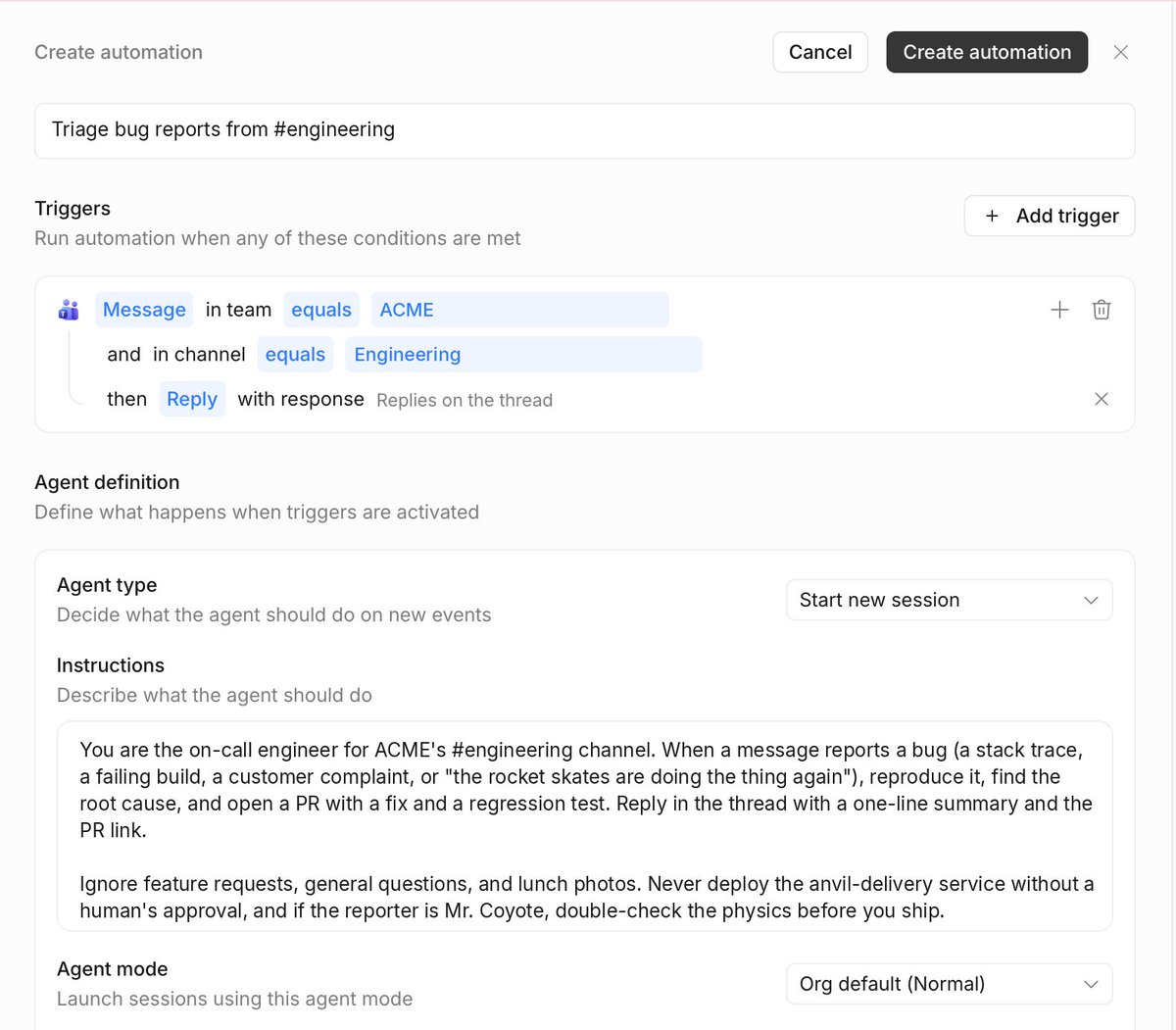
@cognitionIn Microsoft Teams, you can now direct message Devin, start a group chat, or spin up Automations from Teams channels, all without leaving the chat. Devin can also @-mention coworkers for questions, send file attachments, or mute itself when its done. https://t.co/8rkjz9VesZ
Cognition
@cognitionDevin loves building apps on its own PC. Now, it works even better on yours. Introducing two updates to Devin for Microsoft users: native support for Teams, and a first-party Microsoft 365 integration to connect to your mail, calendar files, chats, and more. https://t.co/lC1Dii9FNK
OpenAI Developers
@OpenAIDevsBring your next project to life with Codex: https://t.co/Yhq6asiUnX
OpenAI Developers
@OpenAIDevsGPT-Live-1 handles the conversation while the Raspberry Pi sends research and tool tasks to GPT-5.6 Luna via the Responses API. The Pi’s local renderer turns scenes into 128 × 64 pixels. Sid can keep talking while research and rendering happen in the background. https://t.co/mCJbi5AfxA
OpenAI Developers
@OpenAIDevsFrom figuring out the wiring to debugging “show that on the wall,” @sidrampally shares how he used Codex to turn an LED display into a voice-controlled assistant. Powered by GPT-Live-1 and a Raspberry Pi, it shows weather, subway arrivals, and more: https://t.co/d6wv1qNHzc
GitHub
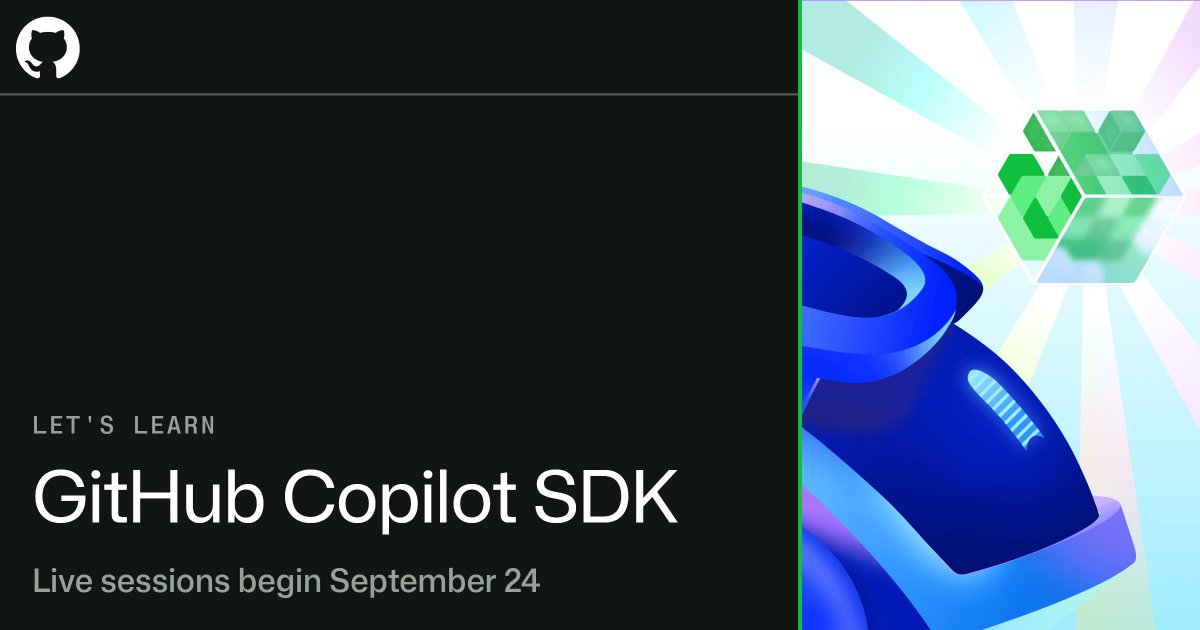
@github➡️ Coming soon: Let's Learn GitHub Copilot SDK Starting September 24, we'll host beginner-friendly livestreams on how to build agentic applications with the GitHub Copilot SDK, without implementing the agent loop yourself. Includes sessions specifically for .NET and Java development. Sign up for English, Chinese, Portuguese, Spanish, Japanese, or Korean. https://t.co/dl62TnerXt
Cursor
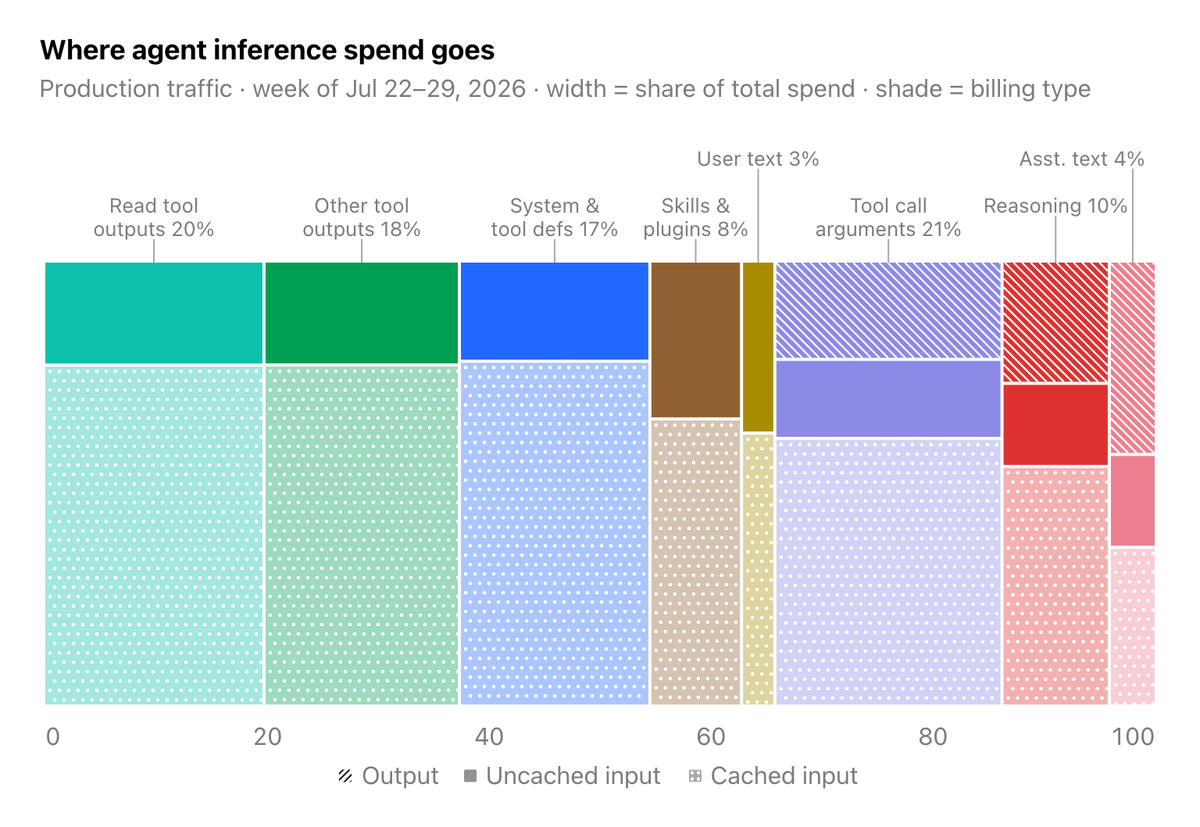
@cursor_aiWe've reduced token costs in Cursor by 7% with no drop in agent quality. Savings came from tighter prompts, selective tool loading, better caching, and compressed file reads. https://t.co/EMNxELnfwO
Cursor
@cursor_aiHere's how we improved our agent harness: https://t.co/VzcB2yMqxU
Visual Studio Code
@codeVisualize Data Structures in VS Code 🤯 If you work with data structures, check out the Debug Visualizer extension for VS Code. It lets you visualize your data while debugging so you can actually watch algorithms and data structures change as your code runs. In this example, see a linked list grow node by node and watch QuickSort move values into sorted order. A great tool for learning data structures, understanding algorithms, and debugging complex code. #VSCode #Programming #Coding #DataStructures #Developer
swyx
@swyx@latentspacepod https://t.co/oloSDxf0q7
swyx
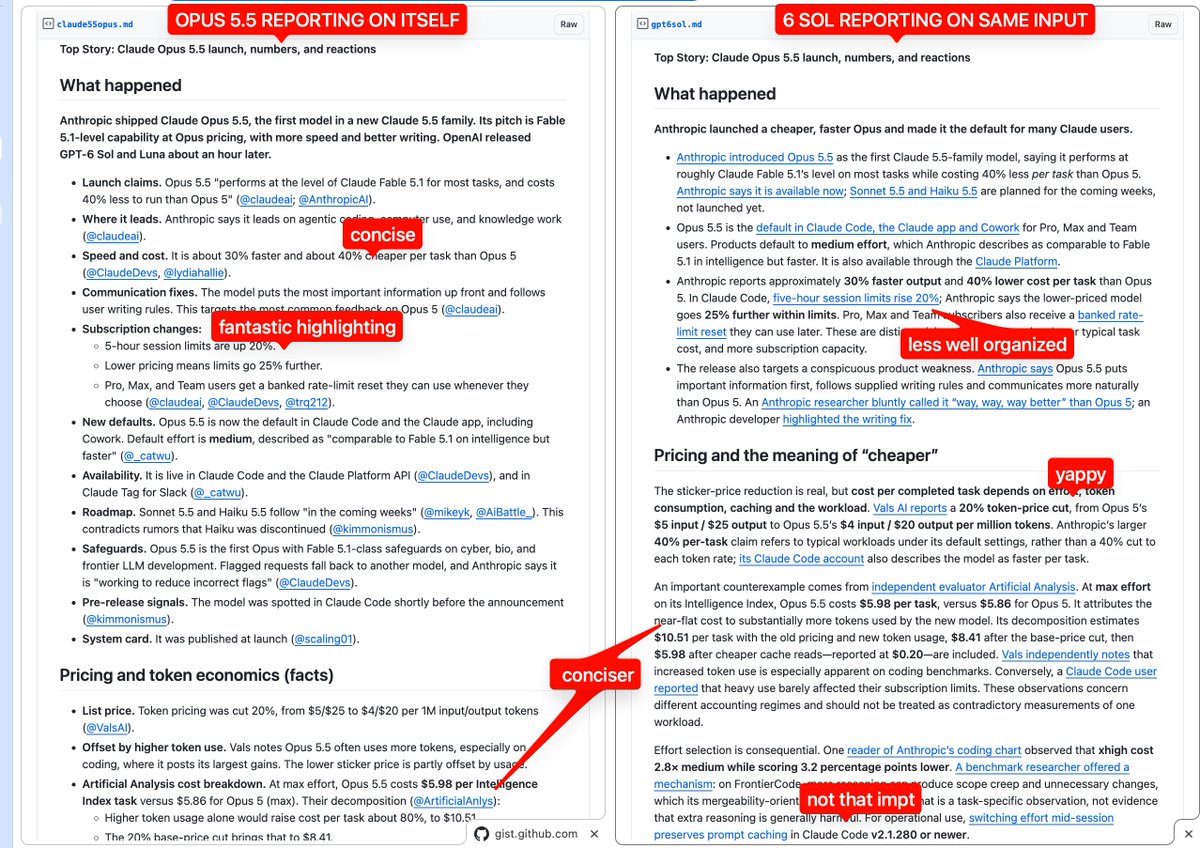
@swyxcan confirm. ran @latentspacepod AINews side by side with 6 Sol and the difference was night and day: https://t.co/oloSDxf0q7 5.5 Opus is the new default model for AINews going forward. so much more concise and tasteful reporting, with much less slopese than even 5 Opus. https://t.co/P6AXDlBKNP
GitHub
@githubShould you review your AI-generated code? Is RAG over? Did Skills make MCP obsolete? The GitHub Podcast responds to these hot takes 👇 https://t.co/7cOBj3MtKW
OpenAI Developers
@OpenAIDevsThanks to @cerebral_valley for co-hosting our GPT-6 hackathons in SF and NYC 🤝
OpenAI Developers
@OpenAIDevsGet lost in your side projects. One builder at our GPT-6 hackathons brought real star maps and Astra to help you find your way home. https://t.co/D9lkBA7ar4
OpenAI Developers
@OpenAIDevsTune caching for your application: – Choose which prompt prefixes to reuse with explicit cache breakpoints. – Adjust reasoning effort and tool availability while preserving cached context. – Prewarm shared context so responses start sooner. https://t.co/ILhdJ9uWcZ
OpenAI Developers
@OpenAIDevsWe’ve improved prompt caching in the API for GPT-6, helping agents run faster and cost less. Higher cache-hit rates by default mean more input tokens benefit from cached-input discounts of up to 90%. https://t.co/NZse8QKr8G